 Swipe Photos
01 / YOUR LIBRARY
Everything at a glance.
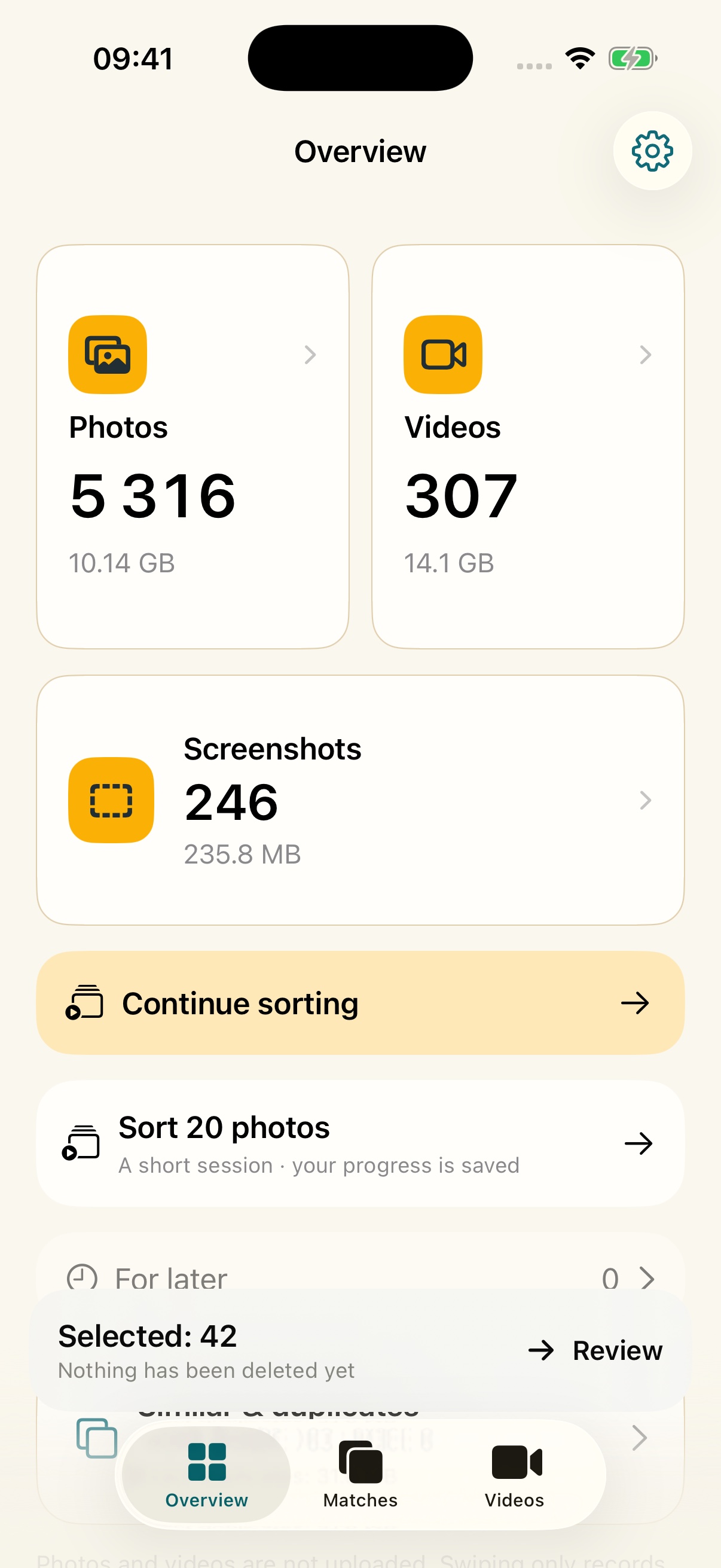
See your photo, video and screenshot counts with their available sizes right at the top.
Photos & videos · iPhone
Sort with a swipe. Review every choice before anything is deleted.
iOS 17+ · No account · On-device analysis




Interaction illustration
Keep what matters
Sort at your own pace. Set maybes aside, then review every choice before anything is deleted.






How it works
Start anywhere. Compare what looks alike. Confirm only when you are ready.
01 / YOUR LIBRARY
See your photo, video and screenshot counts with their available sizes right at the top.
02 / PICK A COLLECTION
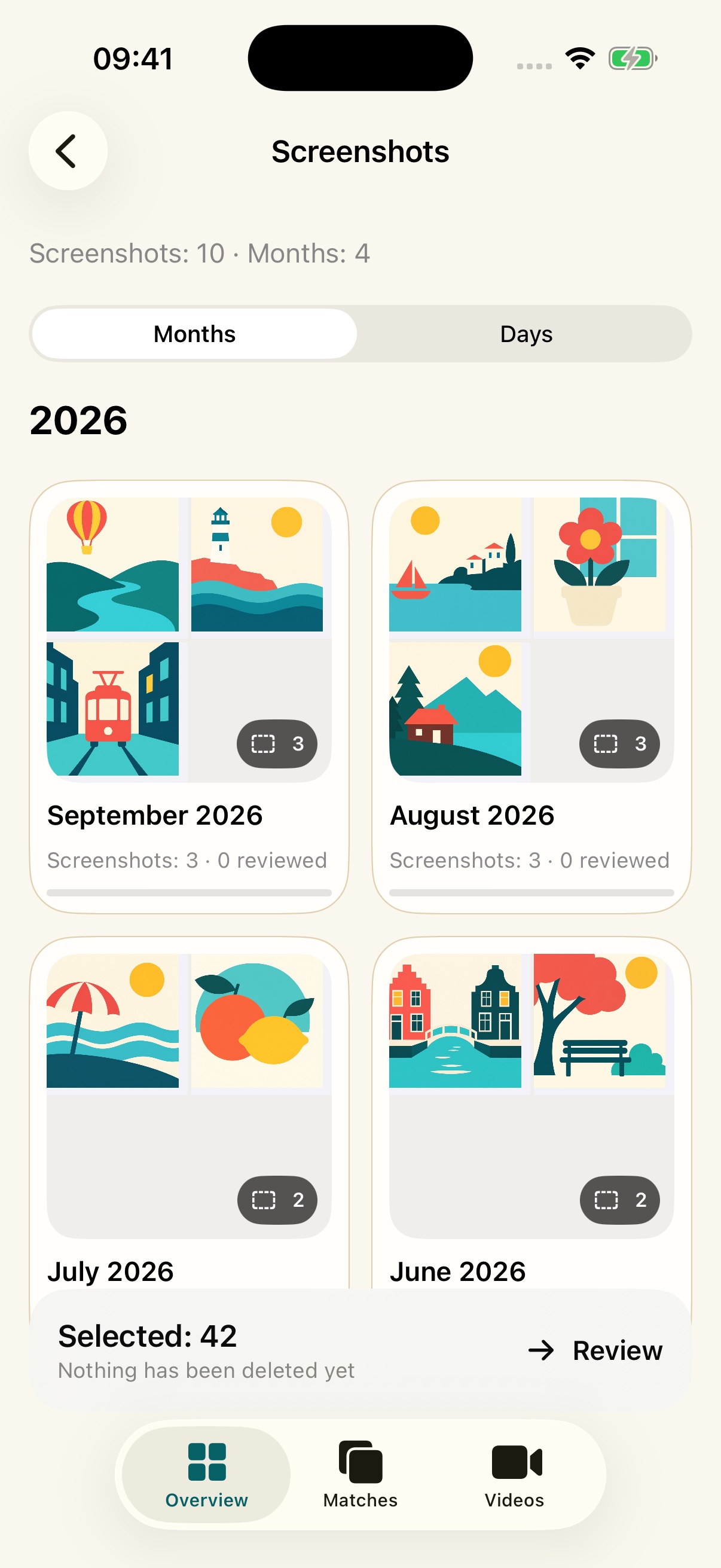
Browse screenshot collections by month or day, then open a group when you are ready.
03 / COMPARE
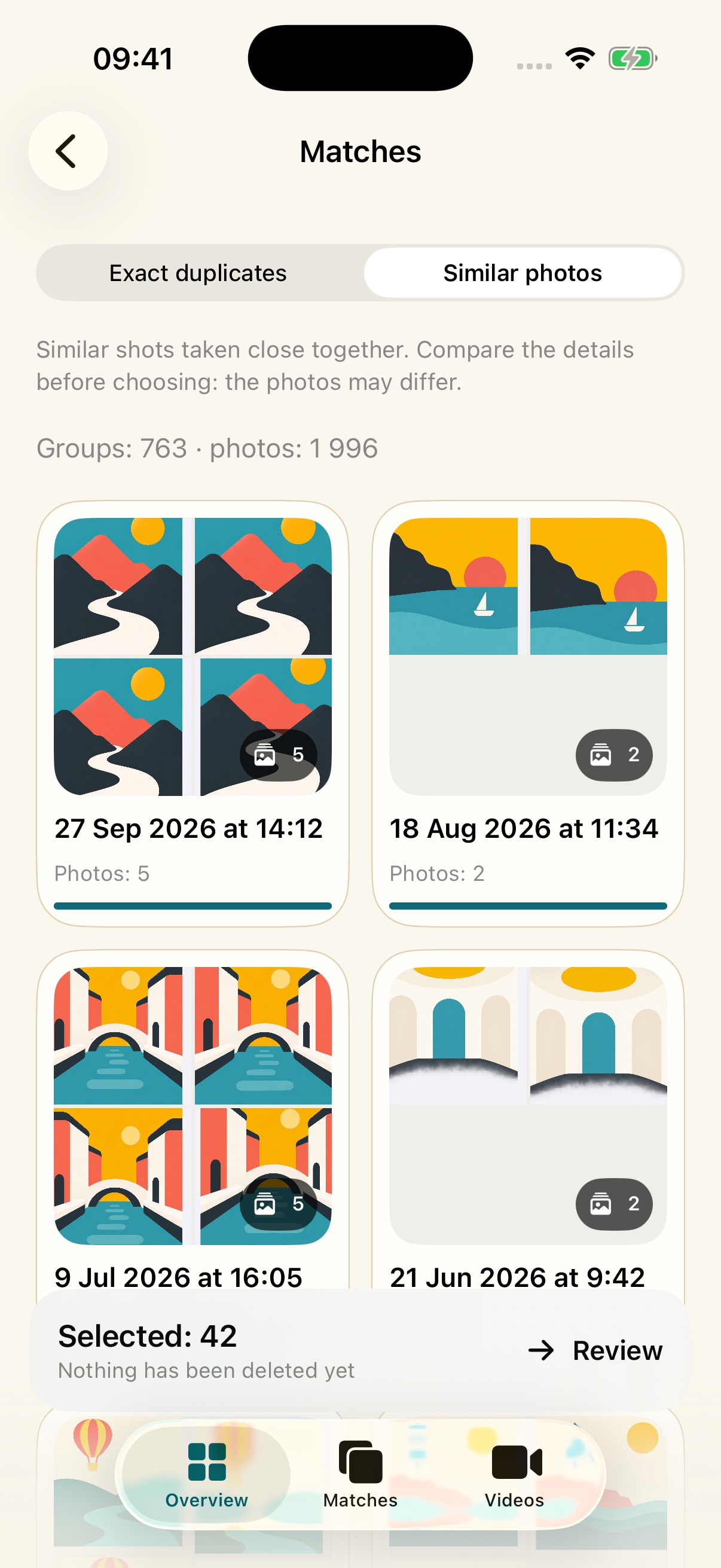
Exact duplicates and similar shots stay in separate groups. Existing results remain visible as more matches are found in the background.
04 / FIND THE BIG FILES
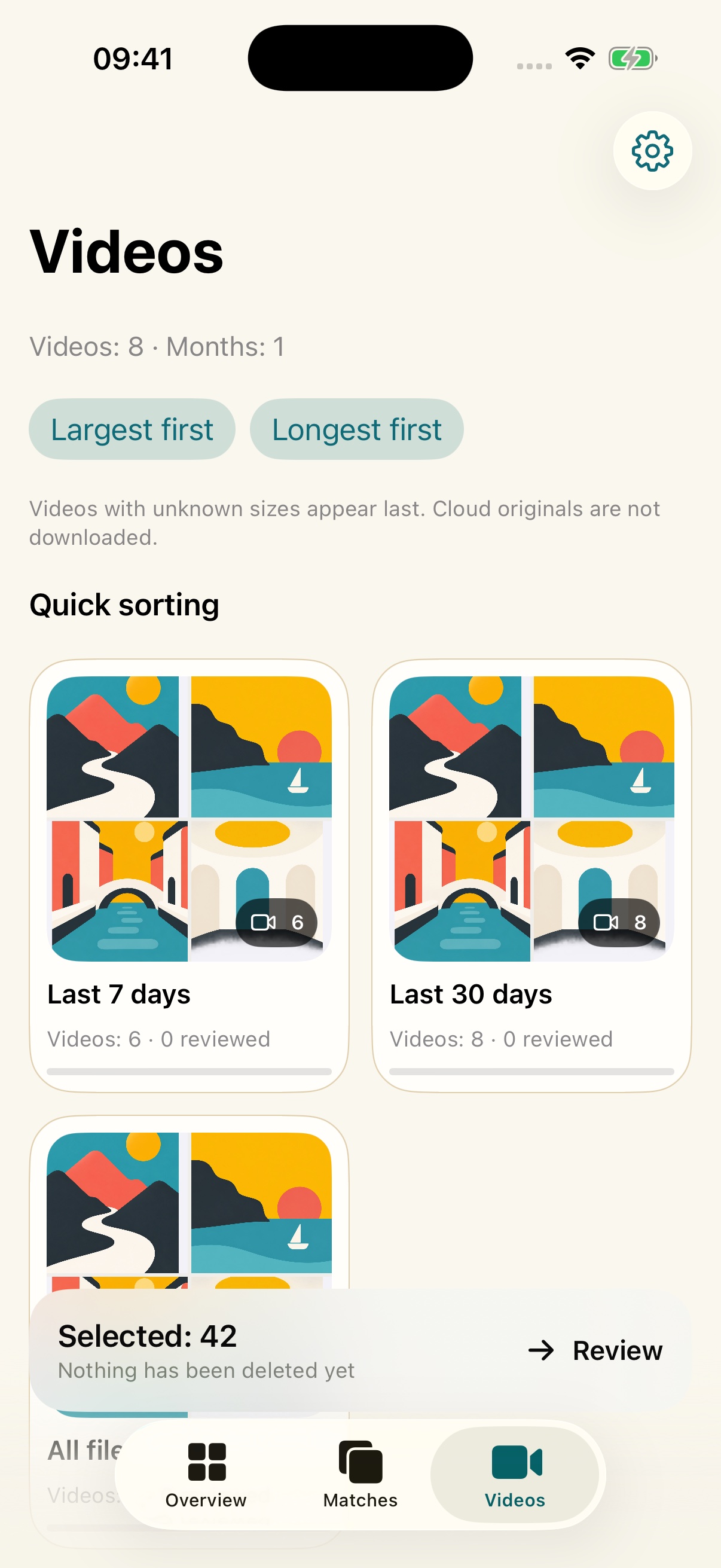
Sort videos by size or duration, or start with the last seven days.
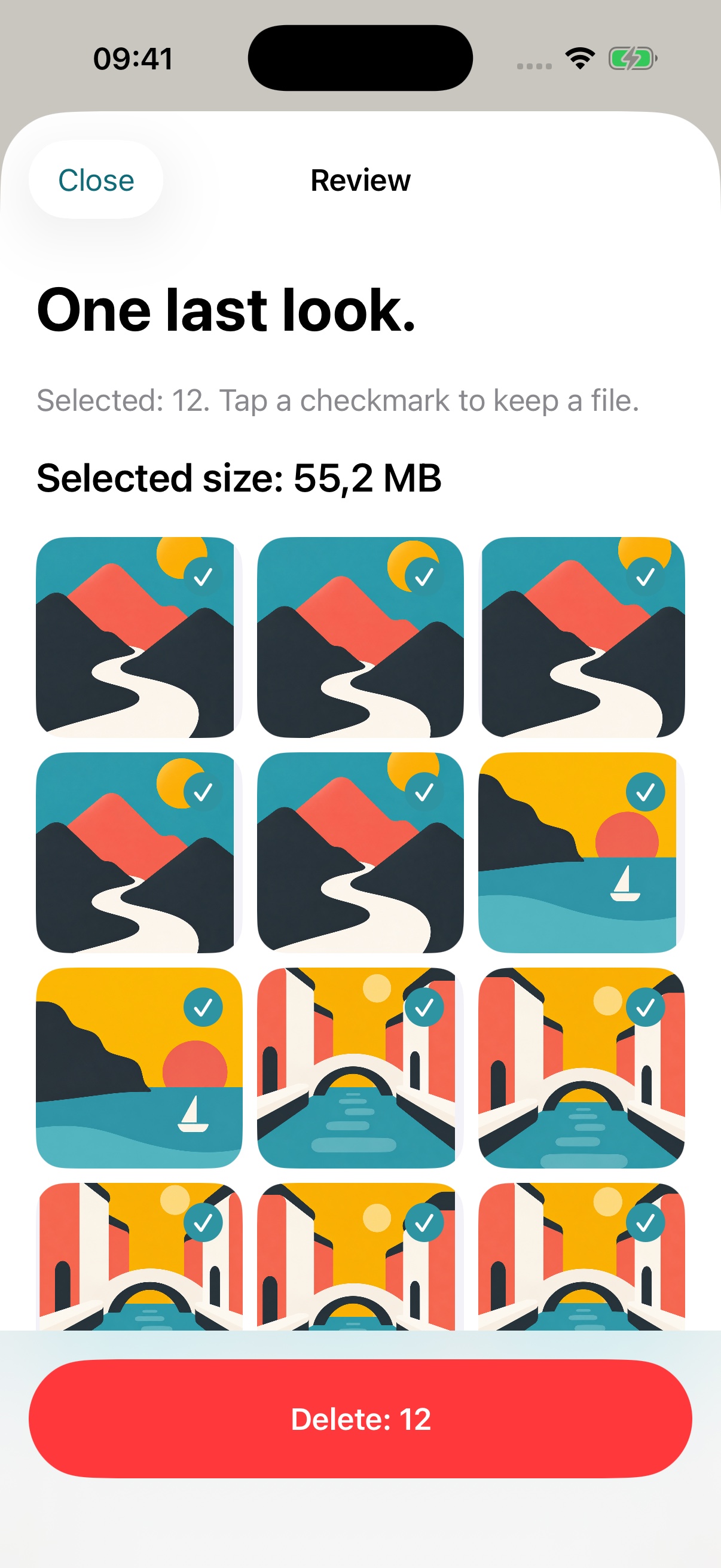
05 / REVIEW
Check every choice before you confirm deletion with iOS.
Private by design
Photos are analysed on your iPhone. No account, ads, or analytics SDKs.
Read the privacy detailsNo. A swipe only adds it to your review. You confirm deletion later through iOS.
Yes. Undo your last choice, save a photo for later, or remove it from the review screen.
No. You can grant access only to selected photos and videos.
The App Store link will appear here as soon as the public release is verified.